
iPhone · Apple Watch · Android
Lift with a plan. See every change coming.
Build your routines, follow them set by set with rest timers that start on their own, and keep every session in one place: on your phone, on your wrist, even offline.
- 1,175exercises in six languages
- 3devices: iPhone, Apple Watch, Android
- 13body measurements, plus weight
- 0AI models inside the app
Workout
Rest is part of the plan.
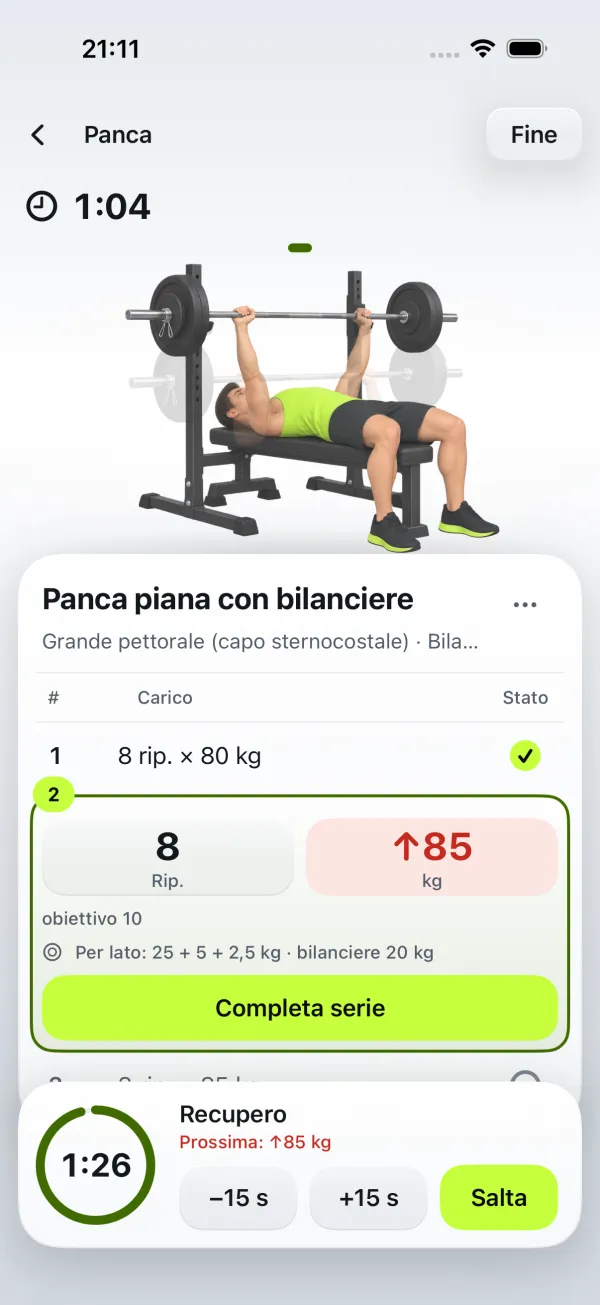
Rest timers start by themselves after every set, with their own length after warm-ups and between exercises. Supersets, HIIT and circuits run the timers for you and move on to the next exercise automatically.
- Normal, warm-up, drop and to-failure sets, with optional RPE and RIR
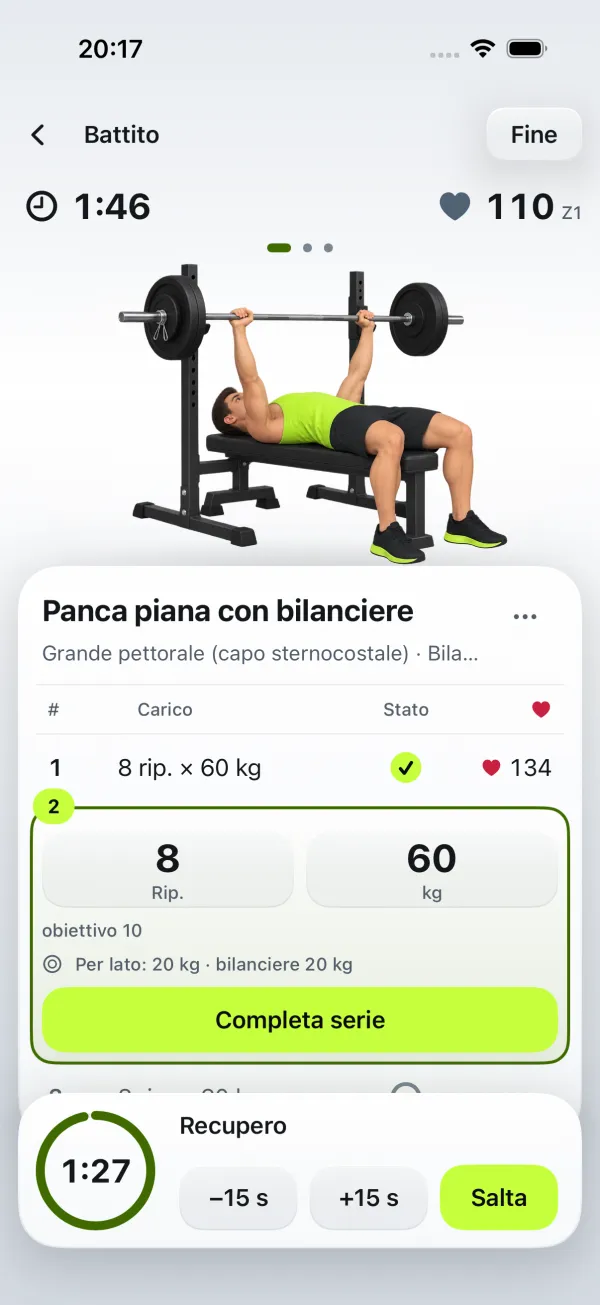
- Plates per side and bar for every set, counted on your gym's real weights
- Weights and reps filled in from last time
- Live heart rate from a Bluetooth chest strap or your Apple Watch

The signal
Heavier next set? You'll know before you lift.
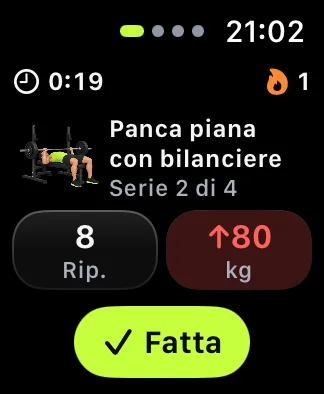
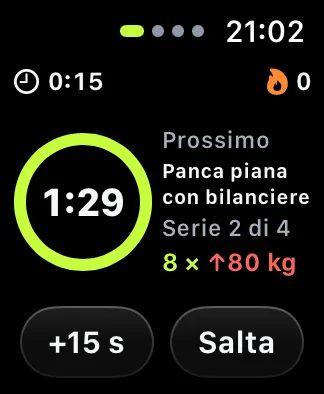
When the next set asks for a different weight, rep count or duration than the one you just finished, the new value turns red with an arrow. You see it during the rest, not halfway through the set.
- In the app, on the Lock Screen and in the Android notification
- On Apple Watch, with a tap on the wrist when the rest ends
Library
1,175 exercises and the muscles they work.
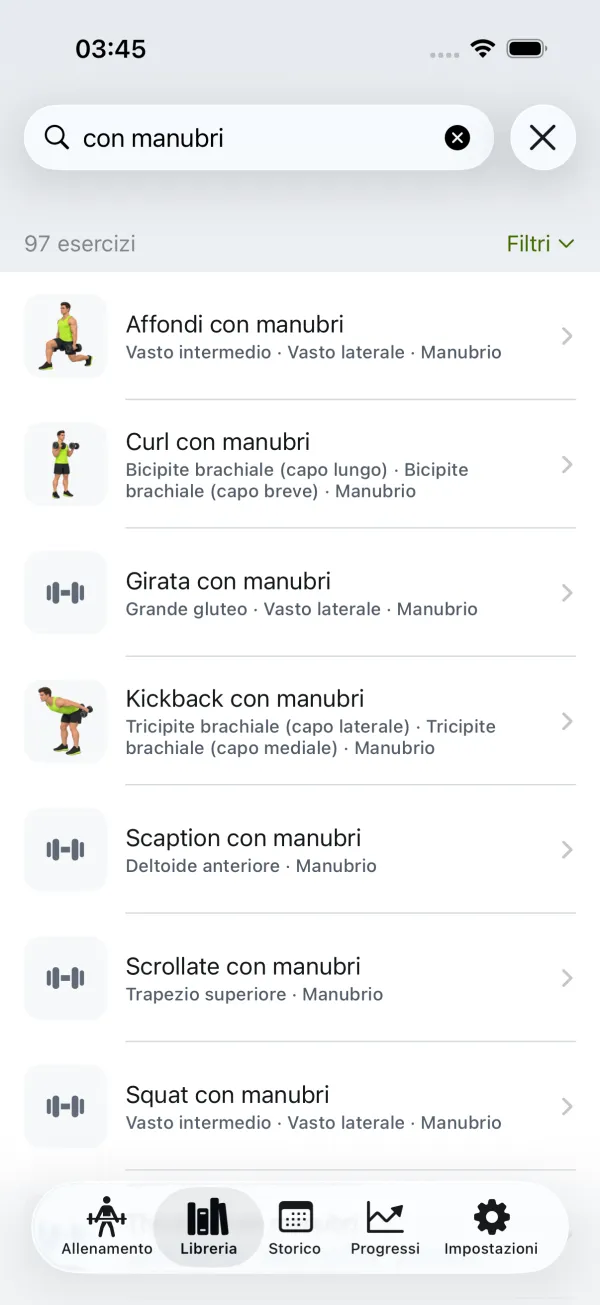
Search by name, muscle or equipment in six languages. Each exercise shows a muscle map with target, synergist and stabilizer muscles, and the most common lifts are illustrated in their start and end positions.
- Set up your gyms with their equipment and real weights
- Show only the exercises you can do where you train
- Swap an exercise mid-workout for one that trains the same muscles
- Add exercises of your own

Progress
Your history, measured.
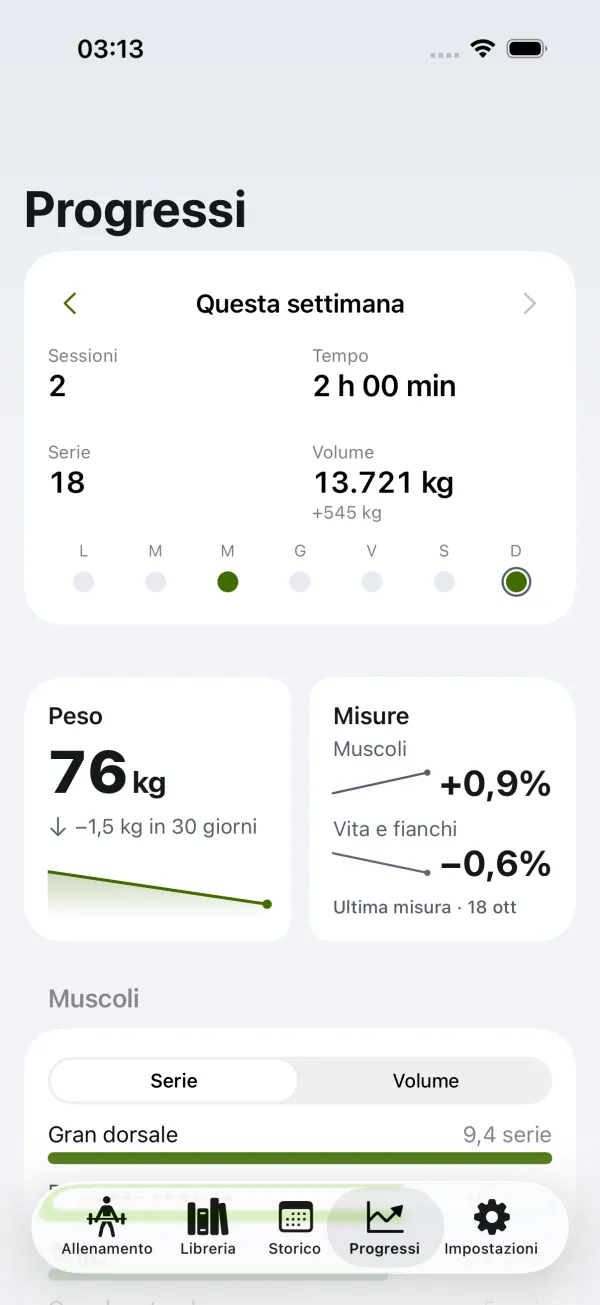
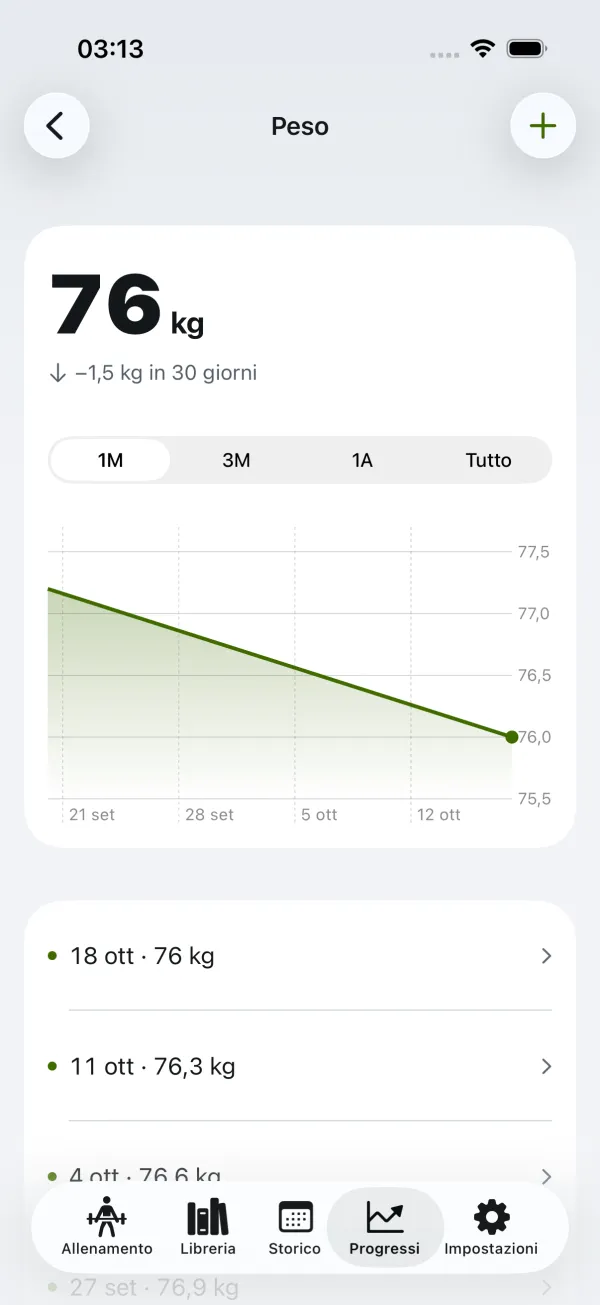
A calendar of every session, a chart for every exercise and personal records spotted while you train: heaviest weight, estimated one-rep max, reps at a weight, session volume.
- Weekly summary with volume per muscle group
- Body weight and 13 circumferences, with trends
- Edit past sessions or add the ones you logged on paper
- Export your data as CSV or JSON whenever you like

Apple Watch
Leave the phone in the locker.
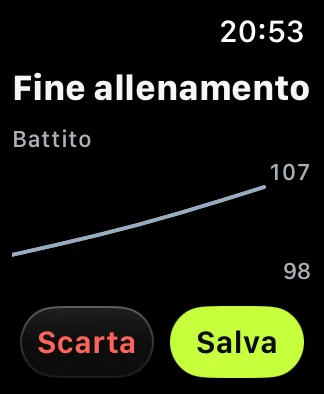
The Apple Watch app runs your routines on its own: sets, rest, heart rate, active calories and heart-rate zones, with a summary at the end. When your iPhone is with you, the two stay in step.
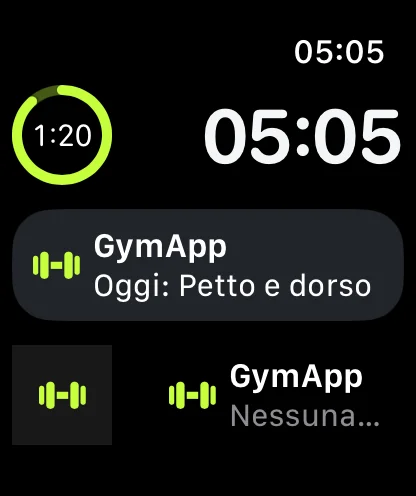
- Complications with today's routine
- Swap exercises and add sets from the wrist
- Workouts saved to Apple Health
Lock Screen
Your workout without unlocking.
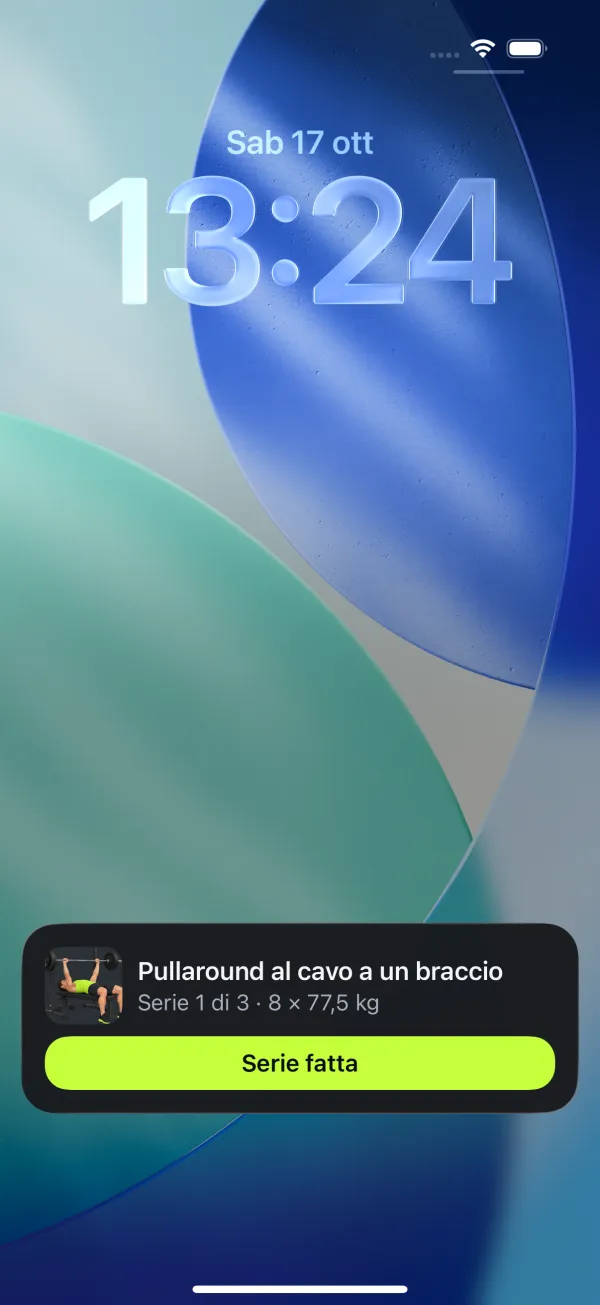
On iPhone a Live Activity shows the current set or the rest countdown on the Lock Screen and in the Dynamic Island. On Android the same information stays in an ongoing notification.
- Done, +15 s and Skip right from the Lock Screen
- The exercise image, so you know what's next at a glance
Health
Works with Apple Health and Health Connect.
If you turn it on, finished workouts and the weight you enter are saved to Apple Health or Health Connect, and heart rate, active calories and new weigh-ins are read back to complete your sessions.
- Every switch starts off: you choose what to share
- Calories estimated from heart rate when nothing measures them, and labelled as estimates
Sync
Works offline, follows you everywhere.
Sign in with your email, with Apple on iPhone or with Google on Android: routines, sessions and measurements sync across your devices. In the gym everything works without a connection and syncs when you're back online.
- Light and dark themes, following your system
- Kilograms or pounds, in English, Italian, German, Spanish, French and Portuguese
No AI inside
Your assistant, only if you invite it.
There's no AI in the app. If you already use an AI assistant, you can connect it to your account through our MCP server and decide what it may do.
What a connected assistant can do
- Read your sessions, progress and measurements
- Search the exercise library
- Draft and edit routines and custom exercises
Nothing is written to your account until you confirm it, and you can grant read-only access.
Coming soon to iPhone, Apple Watch and Android.
GymSlate is getting ready for the App Store and Google Play.